Client name withheld for privacy.
Summary
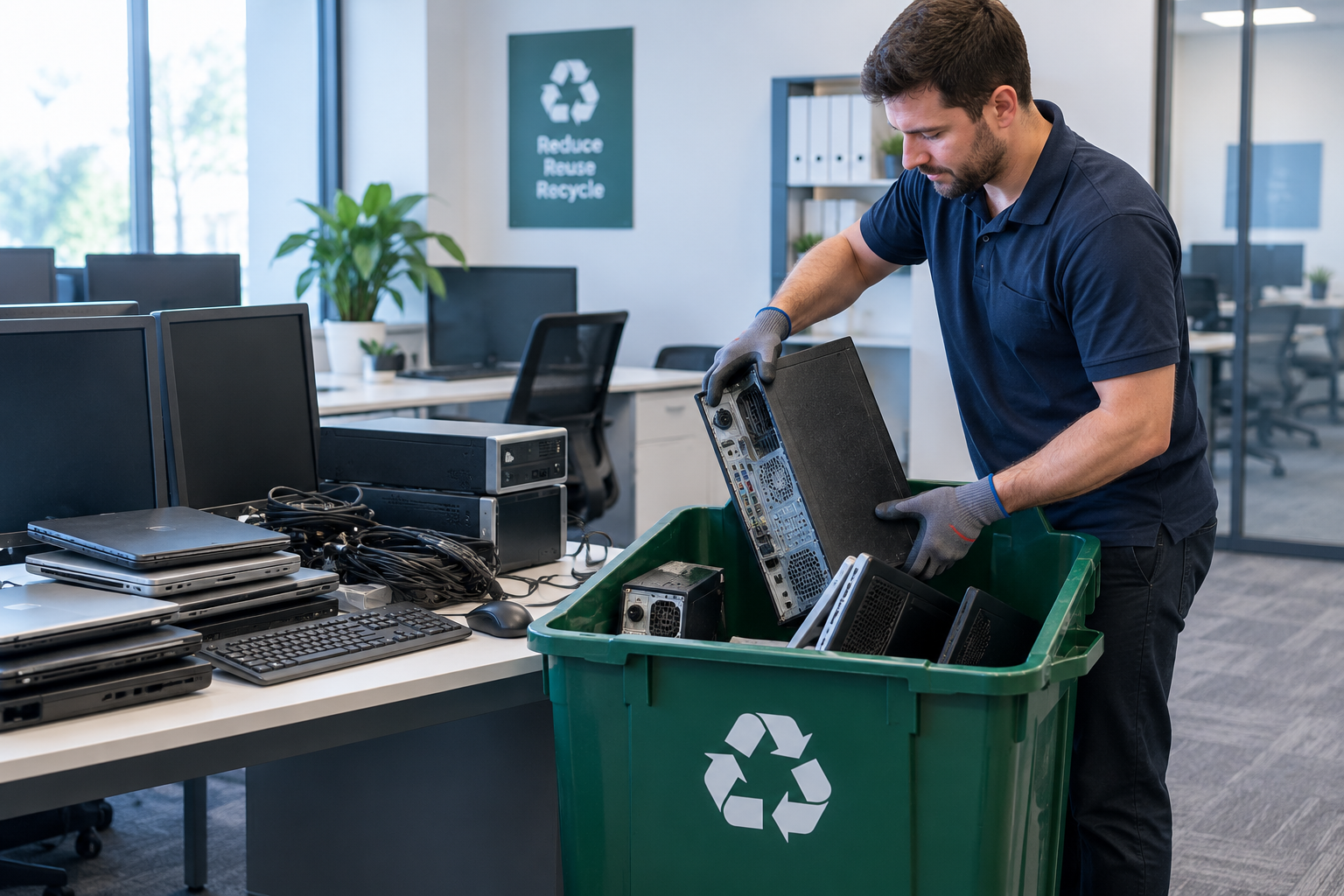
IT Engineering Pro, a Melbourne IT services company based in Oakleigh, handled e-waste removal for a 30-person accounting practice that was upgrading its whole office and had years of old equipment sitting in a storeroom: desktops, laptops, an old server, monitors, printers and phones.
The real concern wasn’t the clutter. Those drives held tax returns, payroll files and client records. Every device was logged by serial number, every drive was wiped to NIST 800-88 or physically shredded, and the practice got a certificate of destruction before anything went to an e-waste recycler.
- Business e-waste removal for a full office IT refresh
- 126 items collected, including PCs, laptops, a server, monitors, printers and phones
- Every device logged in an asset register by serial number
- Devices decommissioned from Entra ID, Intune, Autopilot and MDM
- Secure data destruction to NIST 800-88, using ATA Secure Erase and NVMe Sanitize for SSDs
- Hard drive shredding for faulty drives and the old server
- Certificate of destruction listing every drive
- Eco-friendly e-waste recycling in line with Victorian e-waste laws, through an AS/NZS 5377 recycler
- Chain of custody for every drive, from removal to destruction
1. The client profile
| Industry | Accounting practice |
|---|---|
| Staff | 30 users |
| Project | Office IT refresh, with removal of all old equipment |
| Equipment | Desktops, laptops, one tower server, monitors, printers, desk phones, mobile phones and loose hard drives |
| Goal | Clear out old IT equipment safely, with proof that client data could not be recovered |
2. The challenge
- Old equipment had built up over several refresh cycles, and nobody was sure which devices still held data.
- The drives held sensitive client information, so throwing them out or handing them to a general reubbish removal service wasn't an option.
- E-waste can't go to landfill in Victoria, so everything needed to go through proper recycling.
- The practice needed documentation it could keep on file in case clients or auditors asked how data was disposed of.
3. How we did it
Step 1: Audit and asset register
Before anything left the building, each item was tagged and logged with its make, model and serial number. Drives are pulled from the desktops and the server and logged separately with their own serials, so every storage device can be traced from the storeroom to its final wipe or shred.
Step 2: Decommission from systems and accounts
Old devices are removed from everything they’re still connected to. That means deleting them from Microsoft Entra ID and Intune, deregistering Windows Autopilot hashes, removing the RMM agent, and releasing Apple devices from Activation Lock and MDM. BitLocker recovery keys are checked so encrypted drives can be dealt with properly, and any software licences still tied to the old machines are recovered for the new ones.
Step 3: Data sanitisation to NIST 800-88
The wipe method depends on the drive type. Spinning hard drives get a full overwrite. SSDs and NVMe drives are cleared with the drive’s built-in ATA Secure Erase or NVMe Sanitize command, because a normal overwrite can miss data that the SSD’s wear levelling has moved around. Every wipe is followed by a verification pass and logged against the drive’s serial number.
Phones are wiped through MDM, then factory reset and checked to confirm they’re signed out of Apple ID or Google accounts. Multifunction printers are easy to forget: their internal storage and address books are cleared too, since they can hold copies of scanned documents and email addresses.
Step 4: Physical destruction
Drives that fail verification, and all the drives from the old server’s RAID array, are physically shredded. The server’s remote management controller is also reset to factory defaults so no network settings or stored credentials go out with the hardware. When data is this sensitive, destroying the drive is the only way to be completely sure.
Step 5: Chain of custody and recycling
Drives are kept in sealed, numbered containers from the moment they’re removed until they’re wiped or shredded, so nothing goes missing in between. All equipment is then collected and recycled in an eco-friendly way, in line with Victoria’s e-waste laws, through an e-waste recycler working to AS/NZS 5377, the Australian standard for handling end-of-life electronics, where metals, plastics and glass are recovered instead of going to landfill.
Step 6: Certificate of destruction
The practice receives a certificate of destruction listing every drive by serial number, the method used (NIST 800-88 wipe or shred), and the date, along with the full asset register. Both go on file with the practice’s privacy and compliance records.
4. Results
| Area | Before | After |
|---|---|---|
| Old equipment | 126 items sitting in storage | All removed |
| Data on old drives | Unknown, potentially recoverable | Every drive wiped to NIST 800-88 or shredded |
| Old device accounts | Still listed in Entra ID, Intune and MDM | Decommissioned and licences recovered |
| Printers | Internal storage and address books intact | Cleared before collection |
| Records | No list of old devices | Asset register and certificate of destruction |
| Landfill | At risk of being thrown out | Everything recycled in line with Victorian e-waste laws; nothing sent to landfill |
5. Frequently asked questions
No. E-waste has been banned from landfill in Victoria since July 2019. Computers, monitors, phones, printers and other electronics need to go to an e-waste collection point or recycler.
No. Deleted files and formatted drives can often be recovered with free tools. Drives should be sanitised with a proper data wiping method, or physically destroyed if they are faulty or hold highly sensitive data.
It is a record that lists each drive or device by serial number, the method used to wipe or destroy it, and the date. It gives your business proof that data was disposed of properly, which helps with privacy obligations and audits.
Once all data has been securely wiped or destroyed, the equipment is sent to an e-waste recycler and processed in line with Victorian regulations. Metals, plastics, glass and circuit boards are separated and recovered for reuse as raw materials, so nothing ends up in landfill.
Yes. IT Engineering Pro provides business e-waste removal and secure data destruction across Melbourne from our office in Oakleigh, usually as part of an office IT refresh or relocation. We start with a free consultation and a fixed, upfront quote.
Need e-waste removal in Melbourne?
IT Engineering Pro removes business e-waste across Melbourne, with secure data destruction and a certificate of destruction for every drive. Free consultation and fixed, upfront quotes. We also provide managed IT, remote technical support and on-site support across Melbourne.
Call +61 3 9570 4742 · info@itepro.com.au · Request a free quote
IT Engineering Pro, 172 Warrigal Rd, Oakleigh VIC 3166. Open Monday to Friday, 10am to 5pm.