Client name withheld for privacy.
Summary
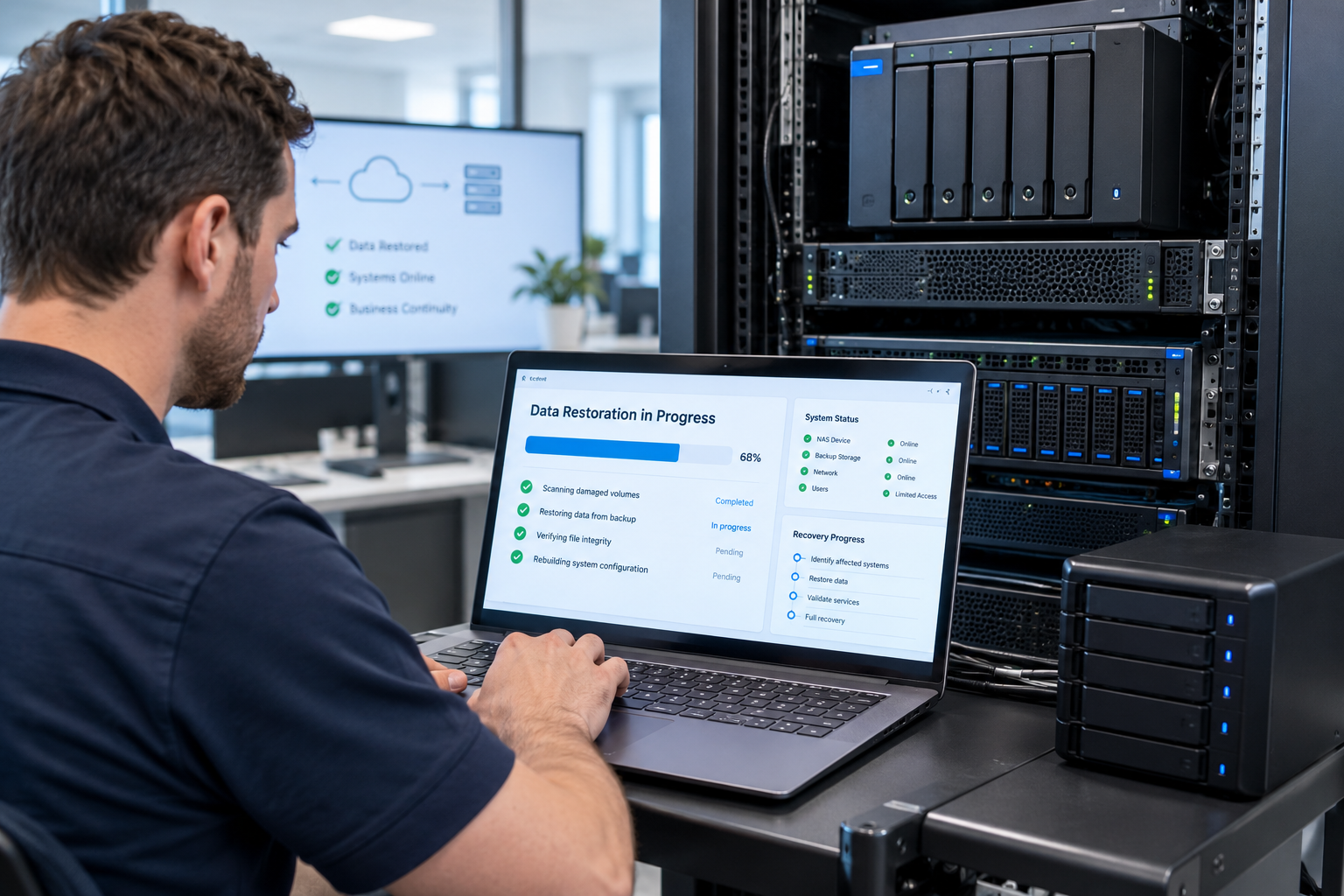
IT Engineering Pro helped an Australian aged care consultancy recover their business data after their NAS server went missing during an office relocation. We secured the client’s accounts, recovered their data from backup, and built a new NAS server with backup and disaster recovery designed so one lost device can never put the business at risk again.
- Lost NAS server during an office move: the client’s main file storage went missing and could not be found
- Data security first: NAS passwords, remote access and linked accounts locked down straight away
- Business data recovery in Melbourne from server backup, checked file by file with the client
- New NAS server setup with RAID redundancy, encryption and snapshots for ransomware protection
- 3-2-1 backup strategy: local copy, plus an offsite cloud backup
- Backup monitoring and tested restores, so backups are proven to work
- Disaster recovery plan and business continuity plan, plus an asset register for future office relocations
1. The client profile
| Industry | Aged case consultancy, providing specialist advice to aged case service providers in Australia |
|---|---|
| Situation | Relocating to a new office |
| Key Systems | A NAS (network attached storage) server holding the business’s shared files |
| Incident | The NAS server went missing during the move and count not be located |
| Goal | Recover the business data, keep it secure and get the team working again |
2. The problem
- The NAS server was lost somewhere between the old and new office, and could not be found.
- It held the business's shared files, so losing it could have meant losing years of client work for aged care providers.
- A missing device is also a security risk: anyone who found it could try to access the data on it.
- The team could not get back to normal work until their files were available again.
3. Our backup and disaster recovery response
Step 1: Secure the data
Before anything else, we treated the missing NAS as a possible data security incident. We changed the NAS admin and user passwords, turned off remote access to the device, and reset passwords for linked accounts, so the data could not be reached through the business’s systems.
Step 2: Find every copy of the data
We mapped what had been stored on the NAS and where copies existed, then identified the most recent complete backup to restore from.
Step 3: Recover the business data
We restored the client’s files from their server backup and worked through them with the client to confirm the important folders were complete and opened correctly.
Step 4: Build a new NAS server
We set up a replacement NAS server at the new office, built to be more resilient than the one it replaced:
- RAID redundancy, so a single failed drive does not cause data loss
- Encryption, so data on the device is unreadable if it is ever lost or stolen again
- Snapshots for ransomware protection, so files can be rolled back after a ransomware attack or accidental deletion
- Offsite cloud backup, following the 3-2-1 backup rule
- Backup monitoring and alerts, with regular test restores
- Separate admin accounts and multi-factor authentication where supported
Step 5: Disaster recovery plan for next time
We documented the new setup in a disaster recovery plan and created an asset register for the client’s IT equipment, with a simple checklist for any future office relocation: full tested backup before the move, every device labelled and tracked, and one person responsible for servers and storage from packing to installation.
4. Backup and disaster recovery results
| Area | Before | After |
|---|---|---|
| Business data | At risk after the NAS was lost | Recovered from backup |
| File storage | One NAS server, now missing | New NAS server with RAID and snapshots |
| Data security | Device out of client’s control | Accounts secured, new NAS encrypted |
| Backups | Not regularly tested | 3-2-1 backup with offsite cloud copy, monitored and tested |
| Office relocation plan | None | Asset register and relocation checklist |
5. Backup and disaster recovery FAQs
Act quickly on two fronts. First, secure your accounts: change the NAS admin and user passwords, turn off any remote access and reset passwords for linked services. Second, work out where copies of your data exist, such as cloud backups, offsite backups, Microsoft 365 or staff computers, before anything is overwritten. Then call your IT provider.
It can be. If the device held personal information and was not encrypted, the business may need to assess it under the Notifiable Data Breaches scheme. Encrypting your NAS and backups greatly reduces this risk.
A disaster recovery plan sets out how your business gets its data and systems back after a lost device, hardware failure, ransomware attack or other incident: where the backups are, who does what, and how long recovery should take. Testing the plan is what makes it reliable.
Keep three copies of your data, on two different types of storage, with one copy offsite or in the cloud. If one device is lost, damaged or stolen, your business data is still safe.
Run a full, tested backup before the move, keep an asset register with serial numbers, label and track every server and storage device, and have one person responsible for them from packing to installation.
Aged care consultancies hold reports, compliance records and client documents for the aged care providers they advise, and some of this can include personal information. Losing it can stop client work and may raise privacy obligations. Tested backups, encryption and an offsite copy mean one lost or failed device does not put that information or the business at risk.
Yes. IT Engineering Pro sets up, monitors and tests backup and disaster recovery for businesses across Melbourne, including aged care consultancies, with remote support and on-site attendance from our Oakleigh office. We start with a free consultation and a fixed, upfront quote.
Backup and Disaster Recovery: Keep Your Business Protected
IT Engineering Pro provides backup and disaster recovery, data recovery, server backup, ransomware protection and NAS server setup for businesses in Melbourne. We provide a free consultation and give fixed, upfront quotes. Our team also handles managed IT, remote technical support and on-site support across Melbourne.
Call +61 3 9570 4742 · info@itepro.com.au · Request a free quote
IT Engineering Pro, 172 Warrigal Rd, Oakleigh VIC 3166. Open Monday to Friday, 10am to 5pm.